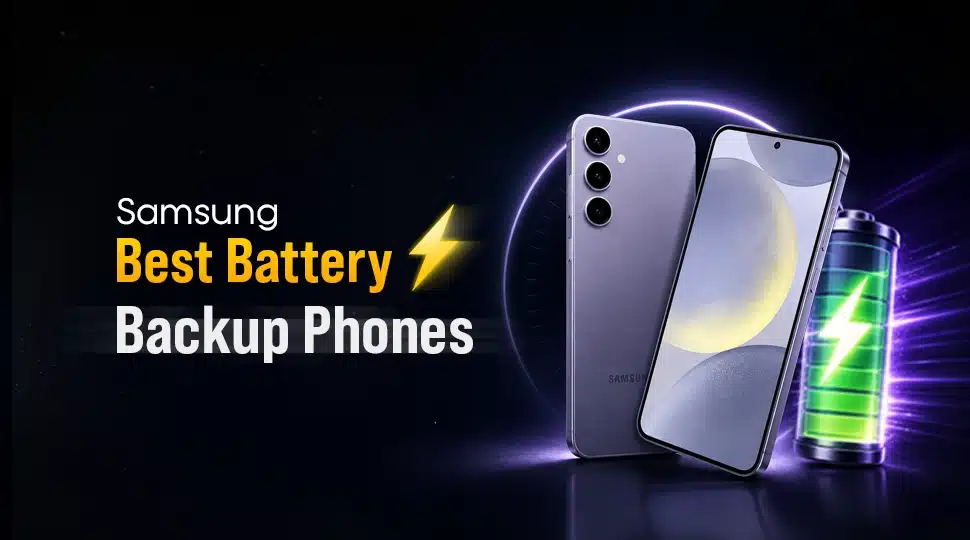
Samsung Best Battery Backup Phones

Imagine capturing a spectacular natural moment, or being in the middle of a crucial call, or reaching the final moments of an intense gaming session. You discover that your phone’s battery is at 1%. This stress remains a major concern for smartphone users in Bangladesh.
Smartphone buyers focus only on battery capacity when purchasing a Samsung phone. But in reality, a larger mAh number does not always guarantee longer use.
The best Samsung phone for battery backup combines more than just a big battery. Samsung has introduced efficient processors with aggressive software management to its devices. These work together to deliver longer screen-on time and better standby performance.
In this guide, we have selected the best Samsung battery phones in Bangladesh for 2026. We will compare the phones with the longest battery life and help you choose the ideal device based on your daily usage.
Why Does Samsung’s Phone Battery Life Vary So Much?
Smartphone battery tests show a clear gap in battery drain between similar Samsung phones. In real-world use, the difference can reach 10% to 15% in battery life, depending on how the device is used. This is why two Samsung phones with the same mAh rating can yield very different backup times.
Below is a simple breakdown of why Samsung phone battery life changes so much from model to model:
- Screen Size and Refresh Rate: Display size matters in battery consumption. A larger display with more resolutions drains more battery compared to a smaller one. Also, high-refresh-rate screens on similar Samsung devices drain more battery during scrolling and gaming.
- Display Brightness: Brightness plays a major role in phone battery backup. High peak brightness on Super AMOLED panels increases power draw, especially outdoors.
- Phone Chipset: The chipset is the phone’s main power controller. Modern Samsung processors, such as the Exynos 1480 or Snapdragon 8 Gen series, use smaller fabrication nodes, such as 4nm or 3nm.
- Camera Hardware: High-resolution camera sensors and advanced image processing require strong power support. Features like continuous 4K video recording, OIS (Optical Image Stabilization), and AI image processing increase battery usage.
- OS (Operating System): Samsung’s One UI plays a big role in battery optimization. It controls background apps, CPU usage, and power distribution. However, heavy UI animations or outdated software versions can increase power consumption.
- Network Connectivity Type: 5G uses more power than 4G LTE, especially in low-signal areas. When the phone constantly switches between towers or bands, the modem uses extra energy.
Top 10 Best Samsung Phones for Long Battery Backup
For many users, a phone that lasts all day is more important than having the fastest processor or highest camera resolution. Samsung offers several smartphones with large batteries and intelligent battery optimizations.
To help you find the right device, we have selected the following 10 best Samsung phones for long battery backup:
- Samsung Galaxy S26 Ultra
- Samsung Galaxy S25 Ultra
- Samsung Galaxy S24 Ultra
- Samsung Galaxy S24
- Samsung Galaxy M35 5G
- Samsung Galaxy M56 5G
- Samsung Galaxy A57
- Samsung Galaxy A37
- Samsung Galaxy A55
- Samsung Galaxy A35
Samsung Galaxy S26 Ultra
| Pros | Cons |
|---|---|
| Outstanding 16+ hours active use score | A large display size may not suit compact phone users |
| Efficient 3nm Snapdragon 8 Elite Gen 5 chipset | |
| Up to 31 hours of video playback | |
| Fast 60W wired and 25W wireless charging support |
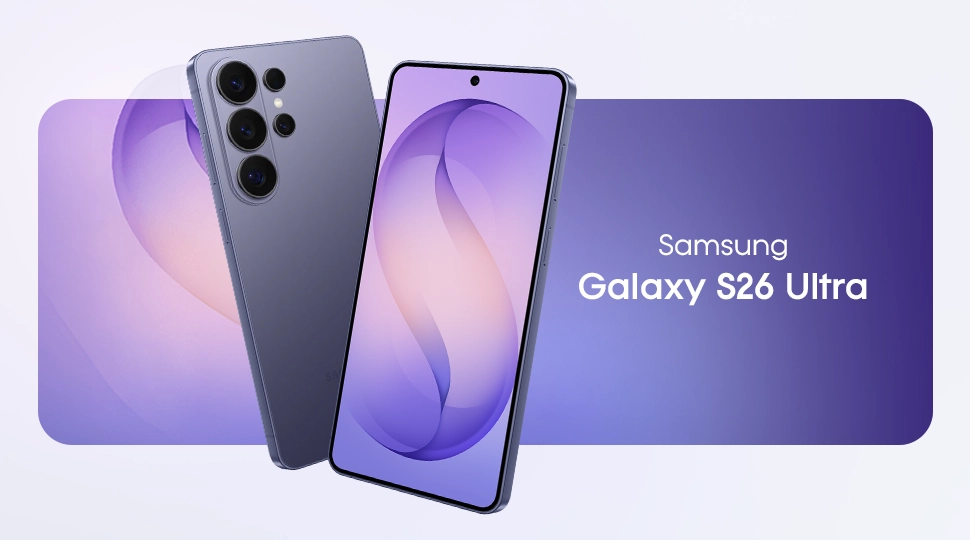
The Samsung Galaxy S26 Ultra is one of Samsung’s strongest battery performers in 2026. Its highly efficient Snapdragon 8 Elite Gen 5 chipset and Adaptive LTPO AMOLED display reduce power consumption during daily use. Moreover, 60W fast charging support reduces downtime by charging the device in under an hour.
This Samsung phone with the longest battery life can easily handle long gaming sessions without frequent charging. With over 16 hours of active use and up to 31 hours of video playback, this device is excellent for gamers & media consumers.
Mini Specs
- Processor: Snapdragon 8 Elite Gen 5 (3nm)
- Battery & Charging: 5000mAh Li-Ion | 60W Fast Charging
- Active Use Score: ~16 Hours 22 Minutes
- Video Playback: Up to 31 Hours
- Web Browsing: Over 16 Hours
- Heavy Gaming: Up to 11.5 Hours
- Full Charge Time: Approximately 49–50 Minutes
Samsung Galaxy S25 Ultra
| Pros | Cons |
|---|---|
| Excellent active use score of nearly 15 hours | Charging speed is slower than the latest flagship |
| Power-efficient Snapdragon 8 Elite (3nm) chipset | |
| An adaptive LTPO AMOLED display helps save battery | |
| Supports wired, wireless, and reverse wireless charging |
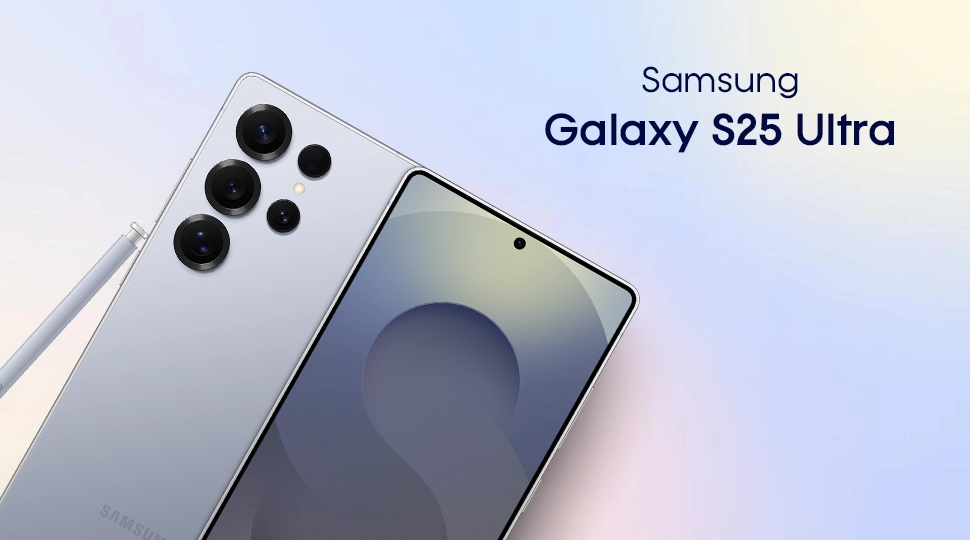
The Samsung Galaxy S25 Ultra combines flagship performance with impressive battery efficiency. Its 5000mAh battery works alongside the advanced 3nm Snapdragon 8 Elite chipset and dynamic LTPO AMOLED 2X display. This reduces unnecessary power consumption during daily use.
Users can expect around 6 to 8 hours of screen-on time and nearly 15 hours of active use. This is reliable for gaming, content creation & video streaming. Furthermore, 45W fast charging technology supports quick battery refilling. With a strong all-day battery life without sacrificing performance, this beast is great for power users.
Mini Specs:
- Processor: Qualcomm Snapdragon 8 Elite (3nm)
- Battery & Charging: 5000mAh | 45W Wired Fast Charging | 15W Qi2 Ready
- Display: 6.9-inch Dynamic LTPO AMOLED 2X
- Active Use Score: ~14 Hours 49 Minutes
- Screen-on Time (SoT): 6–8 Hours
- 4K Video Playback: Up to 9 Hours
- Full Charge Time: Just Over 1 Hour
Samsung Galaxy S24 Ultra
| Pros | Cons |
|---|---|
| Efficient Snapdragon 8 Gen 3 + LTPO display optimization | 1.5 hr for full charge |
| 45W wired charging reduces downtime | |
| Handles long 3D gaming sessions smoothly | |
| Up to ~14 hours of video playback |
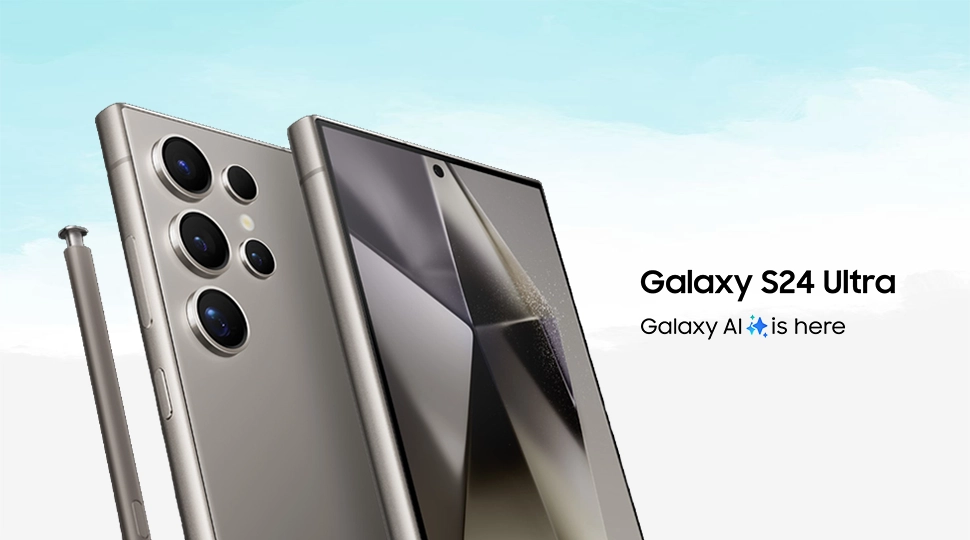
The Samsung Galaxy S24 Ultra delivers strong battery performance on a 4nm node with Snapdragon 8 Gen 3. This chipset manages power intelligently during gaming, streaming, and multitasking. Also, the 6.8-inch LTPO AMOLED 2X display dynamically adjusts the refresh rate. This reduces unnecessary battery drain during static viewing. With a 5000mAh battery, the phone easily handles a full day of heavy use.
This device suits users who need a stable battery backup for work, travel, and entertainment. Fast 45W charging reduces downtime, making it practical for users with busy schedules.
Mini Specs:
- Processor: Snapdragon 8 Gen 3 (4nm)
- Battery and Charging: 5000mAh | 45W wired fast charging
- Display: 6.8-inch Dynamic LTPO AMOLED 2X display
- Active use score: ~13:48 hours
- Video playback: up to ~14 hours
- Heavy 3D gaming: ~5.5 hours continuous use
- Full charge time: ~1 hour 27 minutes
Samsung Galaxy S24
| Pros | Cons |
|---|---|
| Efficient 4nm chipset | Only 25W of wired charging |
| LTPO AMOLED display | Exynos variant drains battery faster |
| Strong daily backup |
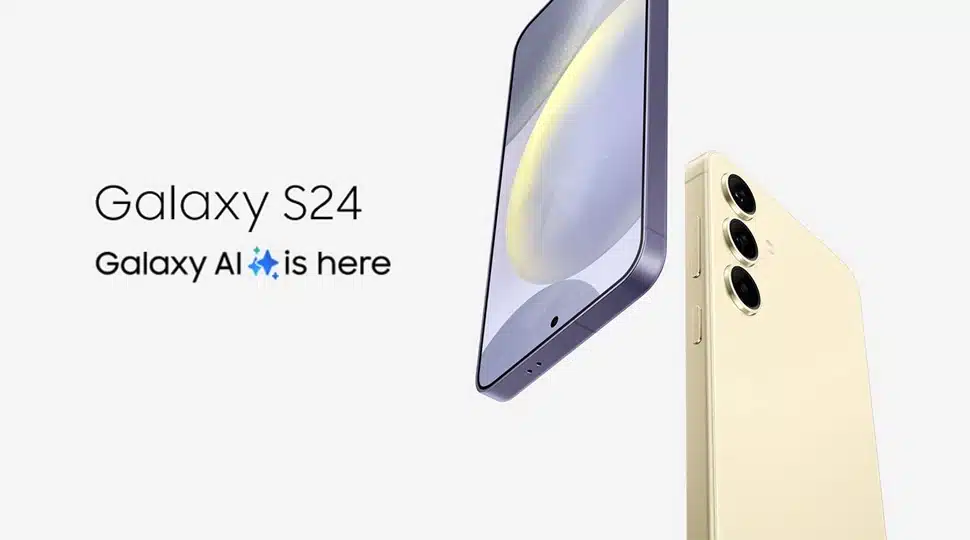
Being a compact phone, the Samsung Galaxy S24 breaks the myth that “bigger batteries last longer”. Its 4,000 mAh battery works with a 4nm Snapdragon 8 Gen 3 or Exynos 2400 processor to manage power efficiently. The LTPO Dynamic AMOLED 2X display automatically adjusts the refresh rate to reduce unnecessary battery drain.
In real use, it offers up to 7 hours of screen-on time and around 12–13 hours of active use. This makes the device very reliable for a full day of moderate usage. However, 25W wired charging brings the phone back to full in just over an hour. This model suits users who want flagship performance and a balanced battery backup in a compact form factor.
Mini Specs:
- Processor: Snapdragon 8 Gen 3 / Exynos 2400 (4nm)
- Display: 6.2″ Dynamic LTPO AMOLED 2X
- Battery & Charging: 4000mAh Li-Ion | 25W wired (PD3.0)
- Active Use Score: ~12–13 hours
- Screen-on Time (SOT): Up to ~7 hours
- Full Charge Time: ~1h 15–22m
Samsung Galaxy M35 5G
| Pros | Cons |
|---|---|
| Massive 6000mAh battery for extended usage | 25W charging feels slow compared to competitors |
| The efficient 5nm Exynos 1380 chipset reduces drain | |
| Smooth 120Hz Super AMOLED display | |
| Excellent video playback endurance (~47+ hours) |
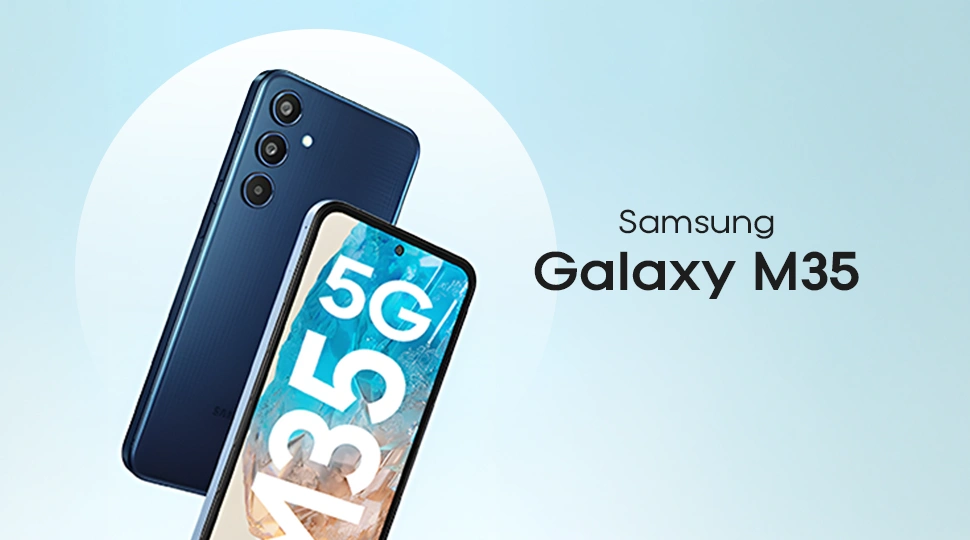
The Samsung Galaxy M35 5G is built for users who need the longest battery life. The 6000mAh battery easily supports long gaming sessions and full-day social media usage. Its Exynos 1380 (5nm) chipset improves power efficiency while maintaining stable performance during multitasking.
The 6.6-inch Super AMOLED 120Hz display delivers smooth visuals through adaptive refresh control. This phone is ideal for media consumers and travelers for reliable all-day performance.
Mini Specs:
- Chipset: Exynos 1380 (5nm power-efficient chipset)
- Battery & Charging: Massive 6000mAh | 25W wired fast charging
- Display: 6.6-inch 120Hz Super AMOLED display
- Screen-on Time (SOT): ~6 to 8+ hours
- Video Playback: ~47 hours+ continuous
- Full charge time: ~90 to 100 minutes
Samsung Galaxy M56 5G
| Pros | Cons |
|---|---|
| 5000mAh optimized for long daily use | not flagship-level for heavy gaming |
| Exynos 1480 improves power control | |
| 45W charging reduces waiting time | |
| 120Hz Super AMOLED+ for a better experience |
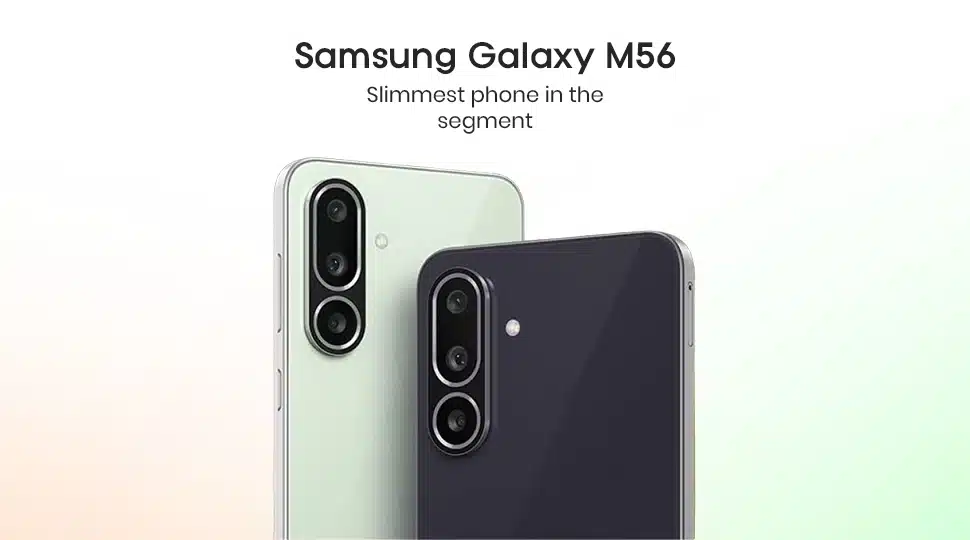
The Samsung Galaxy M56 5G is built for users who need a lasting battery with smooth performance. Its 5000mAh battery works with the 4nm Exynos 1480 chipset to improve power efficiency during daily use. Also, the Super AMOLED+ 120Hz display keeps power consumption under control with adaptive refresh rates.
With 45W fast charging, the phone recharges quickly, reducing downtime. It can handle 7–8 hours of screen-on time, keeping you active all day without frequent charging.
Mini Specs:
- Chipset: Exynos 1480 (4nm) power-efficient chipset
- Battery & Charging: 5000 mAh Li-Po | 45W Super Fast Charging
- Display: 6.74″ 120Hz Super AMOLED+ display
- Active use score: ~13:30 hours
- Screen-on time: ~7–8 hours
- Charging Time: 0–100% in ~60–80 minutes
Samsung Galaxy A57
| Pros | Cons |
|---|---|
| Strong 5000 mAh battery | Heavy gaming drains battery faster |
| Efficient 4nm chipset | |
| 120Hz Super AMOLED+ display | |
| 45W fast charging |
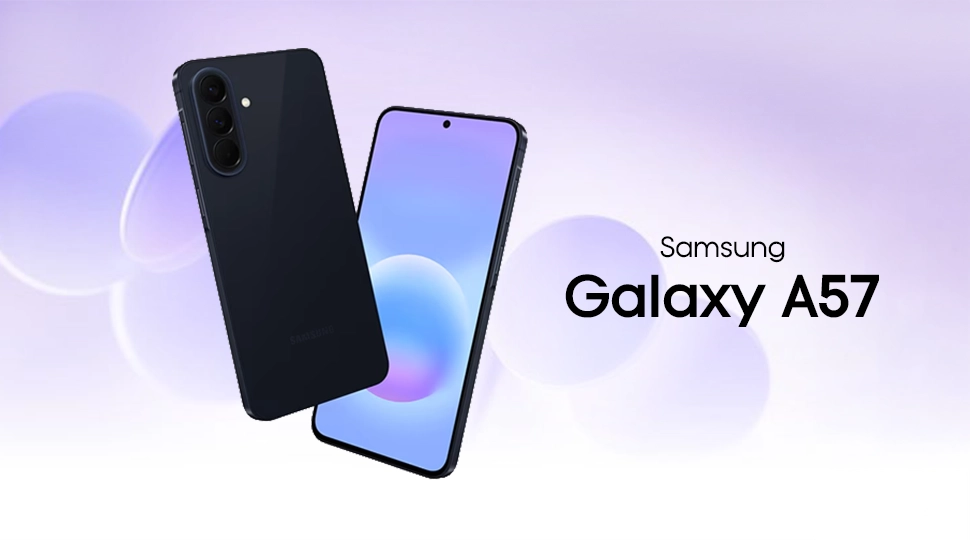
The Samsung Galaxy A57 focuses on balanced power efficiency and smooth daily performance. Its 5000 mAh battery works with a 4nm Exynos 1680 chipset to reduce power drain during multitasking. Moreover, the Super AMOLED+ display delivers smooth visuals while optimizing power consumption.
In real-world use, this device supports around 14 hours of mixed use. Furthermore, it offers nearly 18 hours of video streaming. With 45W fast charging, the device reaches full charge in just over an hour.
Mini Specs:
- Battery & Charging: 5000 mAh Li-ion | 45W Super Fast Charging
- Chipset: Exynos 1680 (4nm efficiency chip)
- Display: 6.7” Super AMOLED+ display, 120Hz refresh rate
- Active Use Score: ~13:59 hours
- Video Playback: 18 hours of continuous 1080p video
- Gaming Session: 4.5–5 hours heavy gaming
- Full charge: ~65–75 minutes
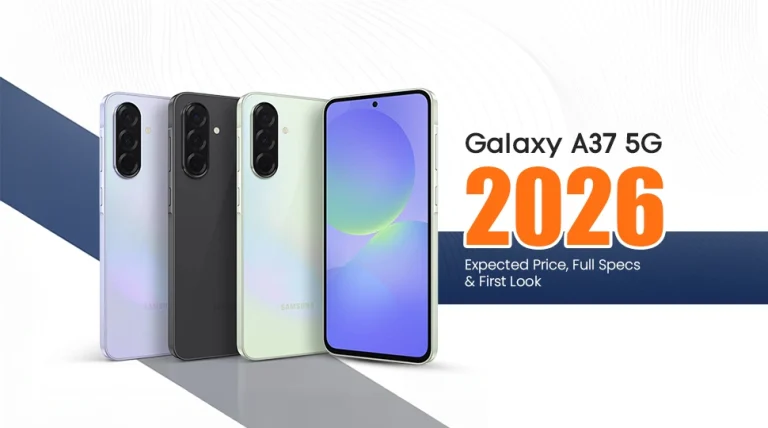
Samsung Galaxy A37
| Pros | Cons |
|---|---|
| 5000mAh optimized for full-day use | Occasional thermal rise during long sessions |
| Exynos 1480 improves power control | |
| 45W wired charging reduces waiting time | |
| 120Hz AMOLED with adaptive power use |
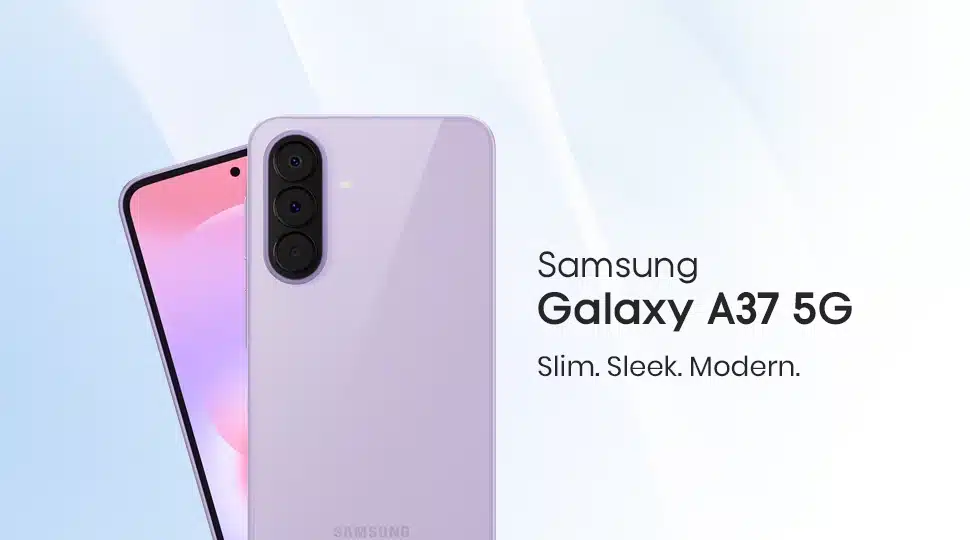
For users who require a stable battery backup for daily heavy use, the Samsung Galaxy A37 is an excellent choice. Its 5000mAh battery, paired with the 4nm Exynos 1480 chipset. This combination delivers efficient power control during gaming, streaming, and multitasking.
Also, the 6.7-inch Super AMOLED 120Hz display adjusts refresh rate to reduce battery drain. It suits students and social media users who stay active throughout the day. With 45W fast charging, the phone takes just over an hour to reach a full charge. Overall, it offers reliable 1.5-day use for regular users without frequent charging pressure.
Mini Specs:
- Battery & Charging: 5000 mAh Li-Po | 45W wired fast charging
- Processor: Exynos 1480 (4nm efficiency core design)
- Display: 6.7-inch Super AMOLED, 120Hz
- Screen-on time: ~ 6–9 hours
- Active use score: ~13:48 hours
- Full backup: 13–16 hours mixed usage
- Full charge time: ~1 hour 15 minutes
Samsung Galaxy A55
| Pros | Cons |
|---|---|
| A 5000mAh battery delivers up to 1.5 days of usage | No Charger in Box |
| 120Hz Super AMOLED for power balance | |
| Exynos 1480 handles daily tasks | |
| 25W fast wired charging |
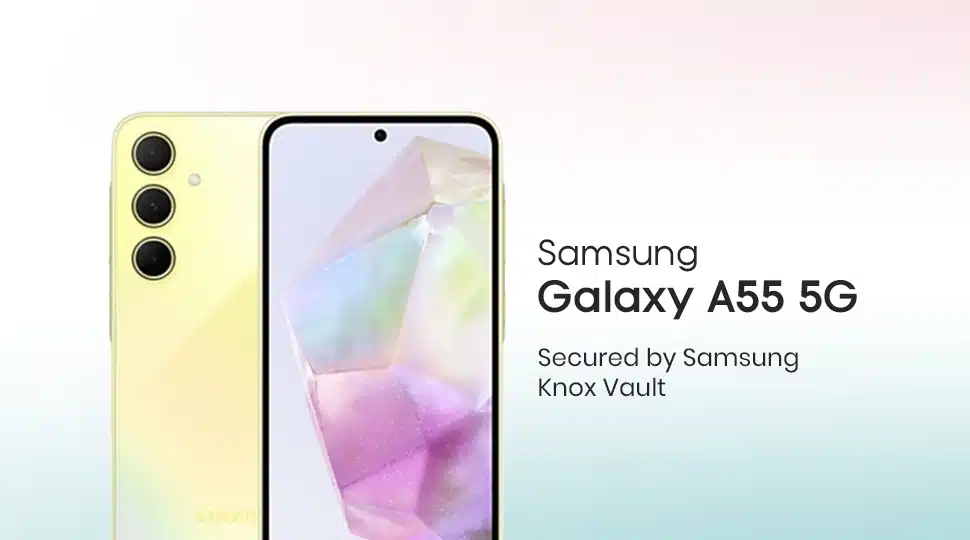
The Samsung Galaxy A55 delivers strong battery life without frequent charging. Its 5000mAh cell, paired with the 4nm Exynos 1480 chipset, improves power efficiency during social media use. The Super AMOLED display delivers smooth visuals by optimizing power consumption through adaptive refresh rate control.
In real life, it handles a full workday and occasionally extends into the next day. Also, it has fast 25W charging, allowing the battery to be recharged in an hour.
Mini Specs:
- Battery & Charging: 5000mAh Li-Ion | 25W wired fast charging
- Processor: Exynos 1480 (4nm efficiency chipset)
- Display: 6.6-inch Super AMOLED, 120Hz
- Screen-On-Time: ~ 7 to 10 hours
- Backup: ~ 1.5–2 days moderate usage
- Full charge: ~ 60–75 minutes
Samsung Galaxy A35
| Pros | Cons |
|---|---|
| Strong 5000mAh battery backup | No fast charging support |
| Efficient Exynos 1380 (5nm) chipset | |
| Smooth 120Hz Super AMOLED display | |
| Stable One UI battery optimization |
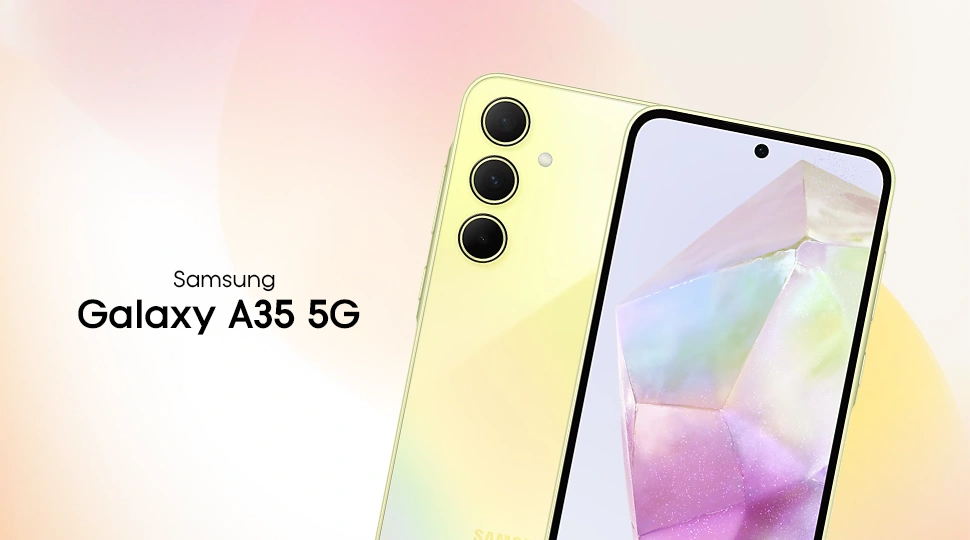
With the Samsung Galaxy A35, you can enjoy all-day battery life without frequent charging. Its 5000mAh battery delivers smooth power efficiency during gaming, browsing, and video streaming. Also, its Super AMOLED 120Hz display delivers sharp visuals while conserving energy.
This phone fits users who depend on long screen time and reliable standby backup. It handles daily multitasking and maintains consistent performance with Samsung’s One UI optimization.
Mini Specs:
- Battery & Charging: 5000mAh Li-Ion | 25W wired fast charging
- Chipset: Exynos 1380 (5nm power-efficient)
- Display: 6.6″ Super AMOLED, 120Hz
- Screen-on time: 6–7 hours (heavy use)
- Usage: 11–13 hours active mixed
- Video playback: 10–11.5 hours 1080p video
- Full charge time: ~1.5 hours
What to consider before buying a Samsung phone for battery life?
A large battery does not always guarantee longer battery backup. To choose the best Samsung phone for battery backup, you should look at:
Battery Capacity (mAh)
Battery capacity is the first thing to check when getting a Samsung long-battery phone. Most modern phones come with a 5,000 mAh battery, which is considered the sweet spot for all-day use. But some newer models even offer larger capacities, with silicone-carbon technology for extended endurance.
You should also pay attention to the battery type, such as Li-ion or newer silicon-carbon batteries. They can influence efficiency, charging speed, and long-term battery health.
Processor Efficiency
The chipset has a major impact on battery life. Modern Qualcomm Snapdragon and Samsung Exynos processors are built on advanced 3nm or 4nm manufacturing nodes. These architectures consume less power while delivering better performance. Also, these processors generate less heat, helping the battery last longer during multitasking.
Display Technology
The display is one of the biggest power consumers in a smartphone. Samsung’s Adaptive AMOLED displays help reduce battery drain by adjusting refresh rates. Phones with LTPO technology can dynamically switch refresh rates, improving efficiency. Display resolution also matters, as FHD+ screens generally consume less power than 2K panels.
Software Optimization
Samsung’s One UI plays an important role in battery management. Features like Adaptive Battery, Power Saving Mode, and background process control reduce unnecessary power consumption. Good software optimization ensures apps use resources efficiently. This improves both screen-on time and standby battery performance.
Tips to Maximize Your Samsung Battery Backup
A few Samsung battery tips can significantly improve battery life throughout the day.
- Shut Down Unused Apps: Apps running in the background continue to use CPU, RAM, and battery power. Close those unwanted apps that you are not actively using.
- Keep Display Brightness Low Indoors: High brightness levels consume a large amount of power. Lowering brightness indoors can noticeably extend battery life.
- Use Wi-Fi Instead of Mobile Data: Wi-Fi connections generally consume less power than 4G or 5G networks. Switch to Wi-Fi whenever available, especially during video streaming and downloads.
- Enable Dark Mode on AMOLED Displays: Samsung AMOLED screens can turn off individual pixels when displaying black colors. Dark Mode reduces power consumption and improves battery efficiency.
- Switch to 60Hz Refresh Rate: A 120Hz display provides smoother scrolling but uses more battery. Switching to 60Hz can increase daily battery backup, especially for light users.
- Turn On Power Saving Mode: Samsung’s Power Saving Mode limits background activity and reduces processor load. This feature is useful when battery levels are low or when you need extra usage time.
Conclusion
Samsung phones offer more than just battery capacity when it comes to battery backup. Factors such as display technology and software optimization play major roles in real-world endurance.
Whether you need a flagship device or a budget choice, Samsung offers reliable battery performers across every price range. The key to longer battery life is understanding the key factors and following simple battery-saving tips.
Frequently Asked Questions (FAQ)
Is a 5000mAh battery enough for a full day?
In general, a 5000mAh battery on a phone can last 8-10 hours under moderate use. So yes, it is enough to get a full day’s backup from a phone.
Does 5G drain battery faster than 4G on a Samsung phone?
Yes, 5G connectivity on a Samsung phone generally drains 6% to 10% more battery power compared to 4G.
How to increase battery backup on a Samsung device?
You can use “Dark Mode” on Samsung AMOLED phones or turn on battery-saving mode to conserve more power.
How does Dark Mode save battery on Samsung phones?
On Samsung phones, Dark Mode conserves battery life by automatically turning off unused individual pixels.