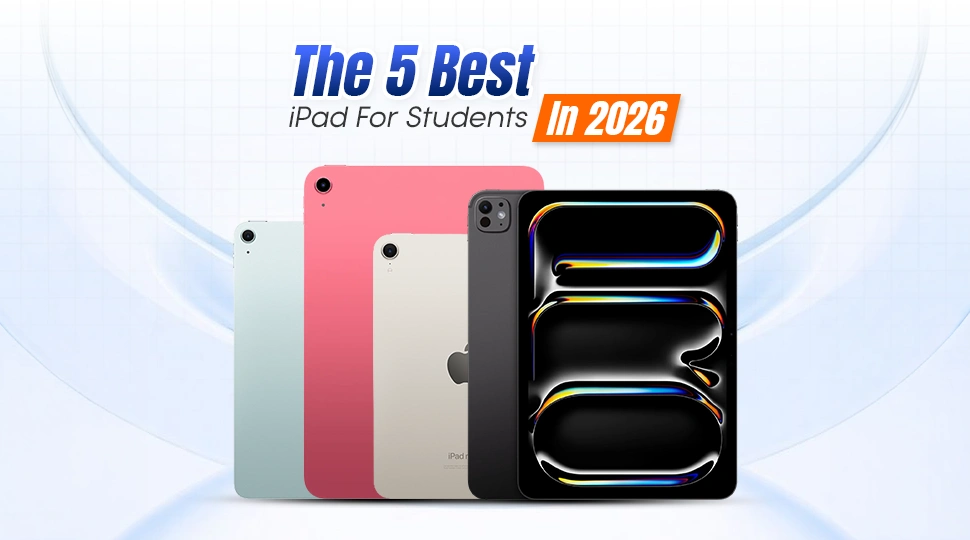
Best iPad For Students in 2026

Ever spent hours trying to study on a laggy device that dies right before your online class or assignment submission? Over the past year, the iPad has grown up from a device for entertainment purposes to a study resource for students around the world. Students are using iPads spontaneously in their daily academic lives, from online classrooms and digital note-taking to assignments, reading PDFs, drawing, editing, and presentations.
An iPad can help you keep everything organized in one device so you can sort your everyday tasks very easily no matter which field you’re studying engineering, medicine, business, design, or any other field. Students can take classes, highlight essential notes, keep track of assignments, prepare for assessments and even use creative apps for projects or research work. That’s why it’s important to choose the right iPad. In this article we will discuss which iPad is best for students in 2026 based on their budget, performance, portability, and practical study needs.
Why Students Should Choose an iPad
The iPad is an excellent alternative for students, as it provides a combination of study, creativity and entertainment on a single portable device. With Apple Pencil support, students can more easily take handwritten notes, highlight PDFs, solve problems, draw diagrams, and organise class materials. iPads are brilliant for online classes, video calls, recorded lectures, and group discussions, so learning can be flexible from anywhere.
The online classes can also be taken easily without being physically present at the classes. Students love iPads because they are portable. Easy to carry around to school, college, university or the library, an iPad is comfortable to use for long study sessions. The long battery life helps the students to get through classes, assignments, reading and browsing without having to worry about charging them again and again. They’re also great for creativity and productivity. Students can present, edit photos or videos, draw illustrations, research online and switch between apps seamlessly. The iPad is a steady ecosystem for education, note-taking, drawing, editing and productivity, which makes the iPad a more reliable study partner in day-to-day life.
Useful iPad Features for School, College, and University
- Take Notes Efficiently: Students who prefer digital note-taking will find an iPad highly beneficial. Write class notes, comment on PDFs, solve mathematical problems, draw diagrams, and keep all your study materials organized in one location with support for Apple Pencil.
- Creative Work: iPads are also good for students who are into creative works like, Drawing, editing images, making movies, designing presentations, or working on class projects, the iPad offers a fluid and adaptable creative experience.
- Sleek Design: Most iPads are thin, lightweight and easy to carry along. They are therefore suitable for schools, colleges, universities, coaching programs, libraries or for study sessions outside the house.
- Reliable Battery Life: Another good reason students go for iPads is battery life. A good iPad can do online lessons, take notes, read PDFs, surf, and entertain you all day without having to charge it often.
The 5 Best iPads for Students
Here is our list of the 5 best iPads for students in 2026, selected based on study needs, performance, portability, battery life, and overall value. These iPads are suitable for online classes, note-taking, assignments, creative work, and everyday student use.
iPad Pro M5 13-inch 256GB | Best Premium iPad for Students
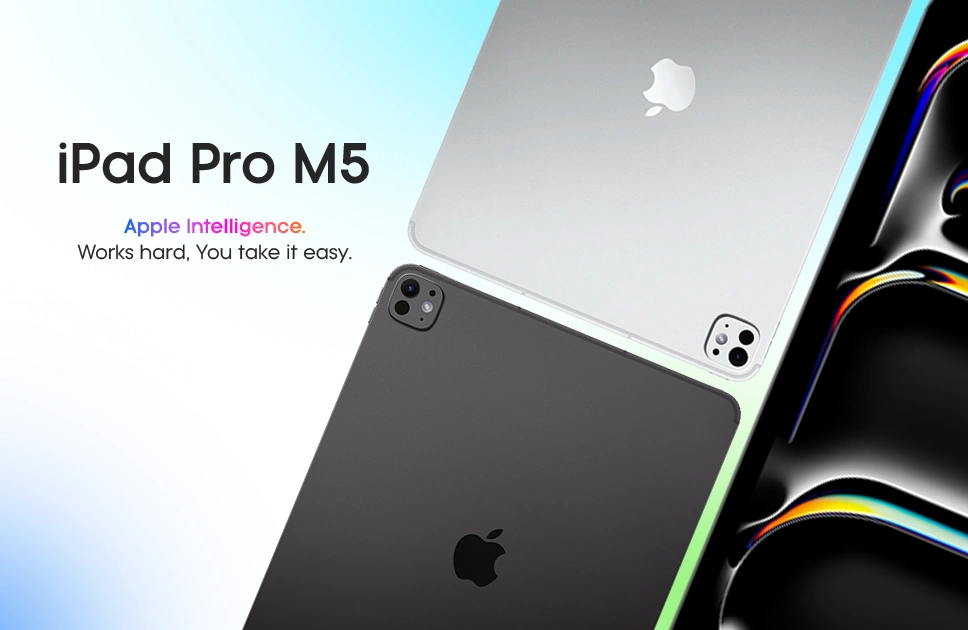
The 13-inch 256GB M5 iPad Pro is built for students looking for a big screen and long day battery life all in one premium package. It’s light and portable, but when you begin to use it for classes, editing, drawing, and multitasking, you can immediately feel the power of the M5 chip. And with its 13-inch Ultra Retina XDR Tandem OLED display, it has more room to work comfortably. Things like reading PDFs, watching lectures, preparing presentations, sketching, and editing videos all look sharp, bright, and smooth on the larger screen. For students who need an iPad that can take on their studies and creative projects for years to come, the iPad Pro M5 13-inch 256GB is a good pick.
“Using the iPad Pro M5 13-inch 256GB feels like having a laptop, notebook, and creative studio in one device.”
Key Specifications
- Display: 13-inch Ultra Retina XDR Tandem OLED, 2752 × 2064 resolution, 120Hz refresh rate
- Processor: Apple M5 chip with 9-core CPU, 10-core GPU, and 16-core Neural Engine
- OS: iPadOS 26
- Camera: 12MP rear camera with 4K video and 12MP Center Stage TrueDepth front camera
- Battery: 10290mAh battery / 38.99Wh rechargeable lithium-polymer battery
- Memory: 256GB storage
- Stylus Support: Apple Pencil Pro and Apple Pencil USB-C support
iPad Air M3 | Best Balanced iPad for Students
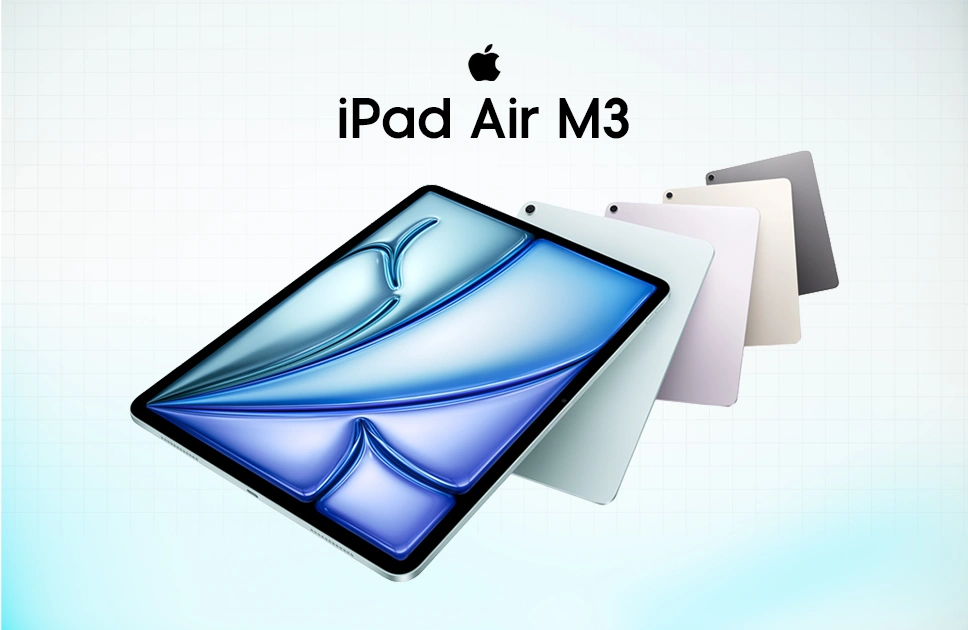
The iPad Air M3 is a good choice for students who seek good performance without paying for the pricey iPad Pro. It’s lightweight, speedy, and easy to carry anywhere. Perfect for online classes, note taking, pdf reading, surfing, and ordinary study duties. It has an 11-inch Liquid Retina display with a resolution of 2360×1640 so lectures, papers, presentations and videos are sharp and clear. The iPad runs on the Apple M3 CPU with 8GB RAM, so it easily manages multitasking, study programs, light editing, drawing and creative work.
For students, the iPad Air M3 is the sweet spot, price-wise and performance-wise. It works with the Apple Pencil, so you can write notes by hand, draw out ideas, highlight PDFs and more in a creative process. It has iPadOS 18.3.2 for smooth app support with a solid battery life. It’s one of the useful iPads for student freelancers and casual users for daily usage.
“The iPad Air M3 feels just right for student life. It is powerful enough for daily work but still easy to carry around.”
Key Specs
- Display: 11-inch Liquid Retina, 2360 × 1640 resolution
- Processor: Apple M3 chip
- OS: iPadOS 18.3.2
- Camera: 12MP rear camera and 12MP front camera
- Battery: Up to 10 hours of daily use
- Memory: 8GB RAM with storage options
- Stylus Support: Apple Pencil support
- Keyboard Support: Magic Keyboard support
iPad 11th Gen 2025 | Best Budget iPad for Students
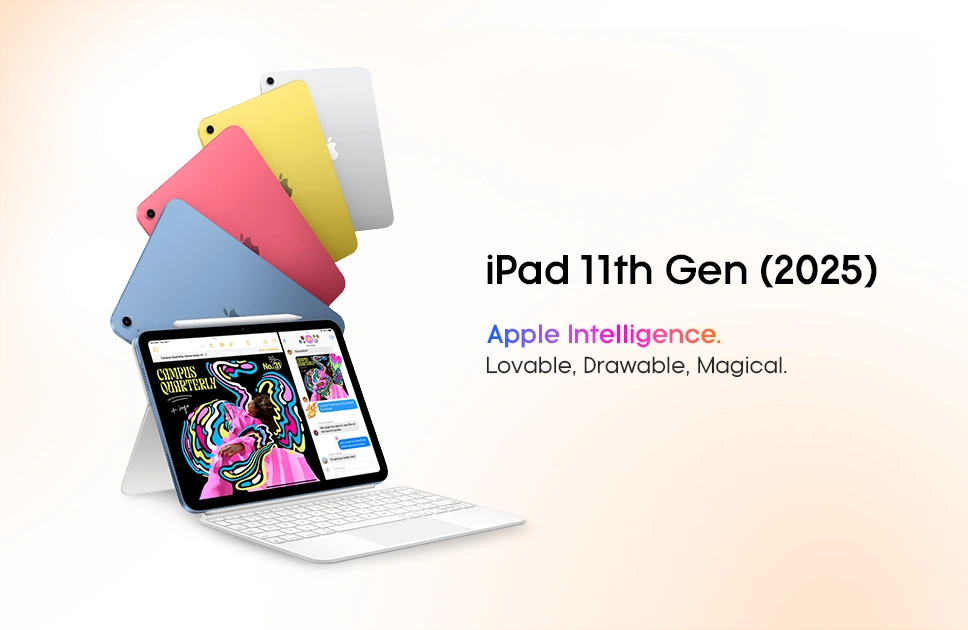
The iPad 11th gen is a feasible choice for students who are looking for an affordable iPad that helps them to get the job done. It just feels seamless and useful for regular day study usage including online classes, note taking, surfing, PDF Reading and watching lectures. It has an 11-inch Liquid Retina display with 2360 × 1640 resolution, meaning videos, documents and classwork are readable and clear. The iPad 11th Gen’s A16 Bionic CPU can handle everyday tasks like multitasking, video chats, study apps, and light gaming with ease. At a modest price this iPad is offering a good performance for students. Supports Apple Pencil 1st Gen – great for handwritten notes, highlighting PDFs, drawing diagrams, and organising class work. Up to 256GB storage, iPadOS 18 and a lightweight form, it slots well into school, college or university life.
“For classes, notes, and everyday study, the iPad 11th Gen does the job really well without costing too much.”
Key Specs
- Display: 11-inch Liquid Retina display, 2360 × 1640 resolution
- Processor: A16 Bionic chip
- OS: iPadOS 18
- Camera: 12MP rear camera and 12MP front camera
- Battery: Up to 10 hours of daily use
- Memory: 128GB or 256GB storage
- Stylus Support: Apple Pencil 1st Gen support
iPad Pro M4 | Best Premium iPad for Creative Students
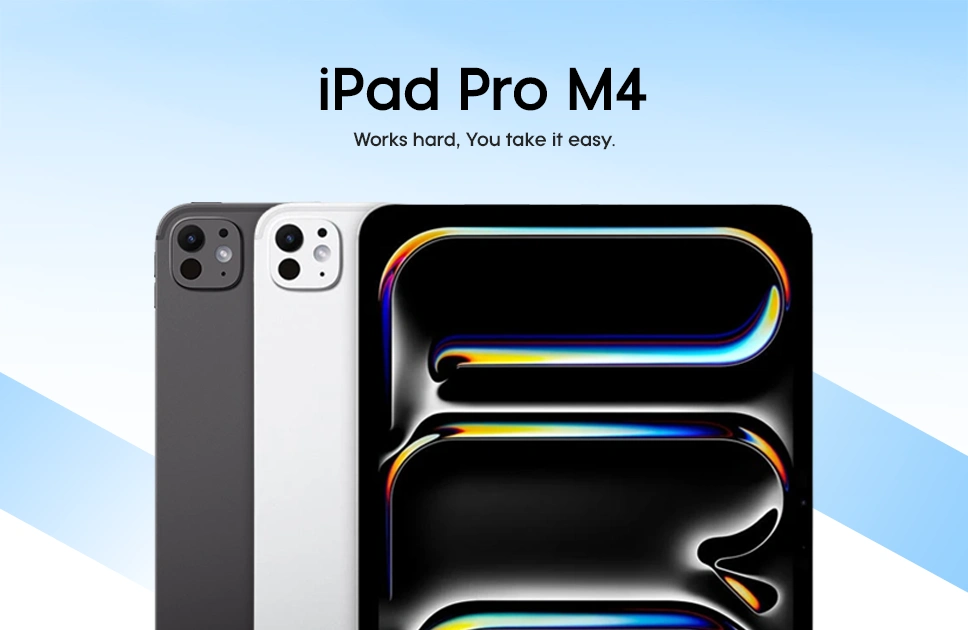
The iPad Pro M4 is mainly designed for students and professionals who actually need real power in a slim premium device. it comes with a gorgeous Ultra Retina XDR OLED display, so online lectures and presentations, drawing, editing, and watching materials will look sharp, bright, and smooth. The iPad is powered by the Apple M4 chip and supports heavy multitasking, creative apps, video editing, Procreate and productivity activities with ease. It is not simply for simple study duties, it feels more like a portable workstation for students who work on design, media, architecture or complex projects.
The iPad Pro M4 also supports Apple Pencil Pro and Magic Keyboard, making it a terrific choice for taking handwritten notes, sketching, typing assignments, and working on the go. It has good battery life, a light body and Wi-Fi + Cellular on selected models, making it a potent option for students who desire both performance and portability.
“The iPad Pro M4 feels made for creative work. Drawing, editing, and switching between apps feels fast and effortless.”
Key Specs
- Display: Ultra Retina XDR OLED display
- Processor: Apple M4 chip
- OS: iPadOS 17.4
- Camera: 12MP rear camera and 12MP front camera
- Battery: Up to 10 hours of daily use
- Memory: Up to 1TB storage with 8GB RAM
- Stylus Support: Apple Pencil Pro support
- Keyboard Support: Magic Keyboard support
Apple iPad mini (2024) | Best Compact iPad for Students
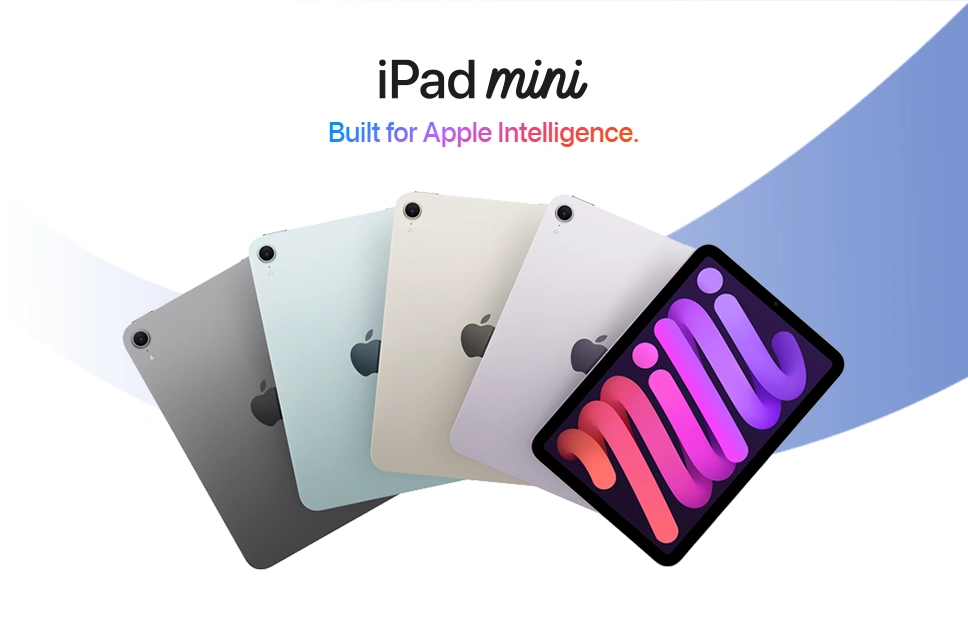
The Apple iPad mini is the best pick for students who want power in a small and portable size. It has an 8.3-inch Liquid Retina display with 2266 × 1488 resolution, so reading PDFs, watching lectures, browsing, and taking quick notes look sharp and feel comfortable. The Apple A17 Pro chip and 8GB RAM provide the iPad mini with enough power to do typical study work, multitasking, light editing, gaming, and creative programs such as Procreate. It’s tiny enough to fit in one hand, to tuck into a small bag, to study while traveling, to learn while in class, and to study quickly.
The 2024 iPad mini also supports Apple Pencil Pro, which helps in taking handwritten notes, sketching, highlighting documents and creative work. iPadOS 18, smooth app support, and dependable battery life make it a perfect choice for students, mobile gamers and professionals who desire a compact iPad without sacrificing performance.
“The iPad mini is small, but it is super useful. Students can carry it anywhere and use it quickly for reading, taking notes, or checking class materials.”
Key Specs
- Display: 8.3-inch Liquid Retina display, 2266 × 1488 resolution
- Processor: Apple A17 Pro chip
- OS: iPadOS 18
- Camera: 12MP rear camera and 12MP front camera
- Battery: Up to 10 hours of daily use
- Memory: 8GB RAM with storage options
- Stylus Support: Apple Pencil Pro support
How We Picked the Best iPads for Students
Reviewed by Mobile Buzz BD Tech Team , I would like to suggest the best among all based on the display quality, performance, battery life, Apple Pencil support, student use, and general value in 2026. It was also tested by students about how each iPad performed in actual use by the students. For instance, after taking notes and multitasking on the iPad Air M3 it feels like one of the most well-rounded solutions for students wanting good performance without the Pro-level pricing.
Final Verdict
The best iPad for students in 2026 is all about how they learn, create, and get through daily tasks. An iPad for a student who goes to class most of the time, reads pdfs and takes notes will not be the same as for a user who edits videos, designs projects, or uses heavy creative apps.
Overall, iPad Pro M5 13-inch 256GB is the best option for most students. It’s bigger, it’s slicker, and it’s reliable for the long haul. The iPad 9th Gen is still a great value for budget conscious students, but iPad Air and iPad Pro models are better for those who want more power to multitask, edit, and be creative.
Frequently Asked Questions (FAQs)
Which iPad is best for students in 2026?
The iPad Pro M5 13-inch 256GB is the best overall iPad for students who want strong performance, a premium display, and long-term usability.
Which iPad is best for students on a budget?
The iPad 11th Gen 2025 is a great budget-friendly choice for online classes, note-taking, PDF reading, assignments, and casual use.
Which iPad is best for note-taking?
The iPad Air M3 is one of the best options for note-taking because it supports Apple Pencil and handles study apps, PDF marking, and multitasking smoothly.
Is the iPad mini 2024 good for students?
Yes, the iPad mini 2024 is great for students who want a small and lightweight iPad for reading, quick notes, browsing, and carrying anywhere.
Which iPad is best for creative students?
The iPad Pro M4 is a strong choice for creative students who work with drawing, editing, design, Procreate, presentations, and heavy multitasking.
How much storage is enough for students?
For light study use, 128GB is usually enough. But if you store many apps, videos, lecture files, PDFs, or creative projects, 256GB or higher is safer.
Where can I buy the best iPads for students in Bangladesh?
You can buy the best iPads for students in Bangladesh from the Mobile Buzz BD online store or visit their outlets for the latest prices, offers, EMI facilities, and available stock.