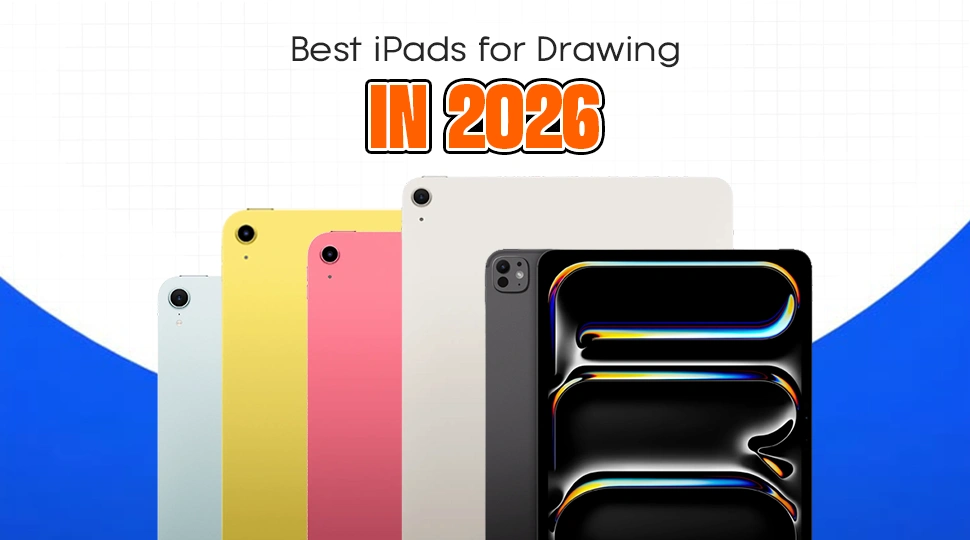
Best iPads for Drawing in 2026

It can be confusing to choose the ideal iPad for creating artwork with all the models available on the market today. If you are either an experienced designer or just starting out, you will require an iPad that can manage your work involving colors, pens, and layers. Here is everything you need to know about the best iPad for drawing 2026.
Which iPad is Best for Drawing in 2026?
The iPad Pro M5 13 inches (256GB) is the best option for professionals due to its beautiful OLED display and the most powerful processor for large art files. However, for most individuals, the best iPad would be the iPad Air M3. It offers all professional capabilities at a lower price.
Best iPads for Drawing in 2026 – Top Recommendations
Here are our top recommendations for every type of artist this year:
- iPad Pro M5 13-inch 256GB – Best Overall for Pro Artists
- iPad Air M3 – Best Value for Most Artists
- Apple iPad mini (2024) – Best Portable Drawing iPad
- iPad 11th Gen (2025) – Best Budget iPad for Drawing
- iPad 10.9 10th Gen (2022) – Cheapest Option
iPad Comparison Table for Drawing (2026)
| Feature | iPad Pro M5 | iPad Air M3 | iPad mini (2024) | iPad 11th Gen (2025) | iPad 10th Gen (2022) |
|---|---|---|---|---|---|
| Display Quality | Ultra Retina OLED | Liquid Retina LCD | Liquid Retina LCD | Liquid Retina LCD | Liquid Retina LCD |
| Performance | M5 Chip (12GB RAM) | M3 Chip (8GB RAM) | A17 Pro Chip | A16 Bionic Chip | A14 Bionic Chip |
| Pencil Support | Apple Pencil Pro | Apple Pencil Pro | Apple Pencil Pro | USB-C Pencil | Pencil (1st Gen) / USB-C |
| Lamination | Fully Laminated | Fully Laminated | Fully Laminated | Non-Laminated | Non-Laminated |
| Battery Life | Up to 10 Hours | Up to 10 Hours | Up to 10 Hours | Up to 10 Hours | Up to 10 Hours |
| Best For | Heavy 3D & Layers | Daily Illustrations | Portable Sketching | Beginners | Cheapest Option |
Detailed Review of Each iPad for Drawing
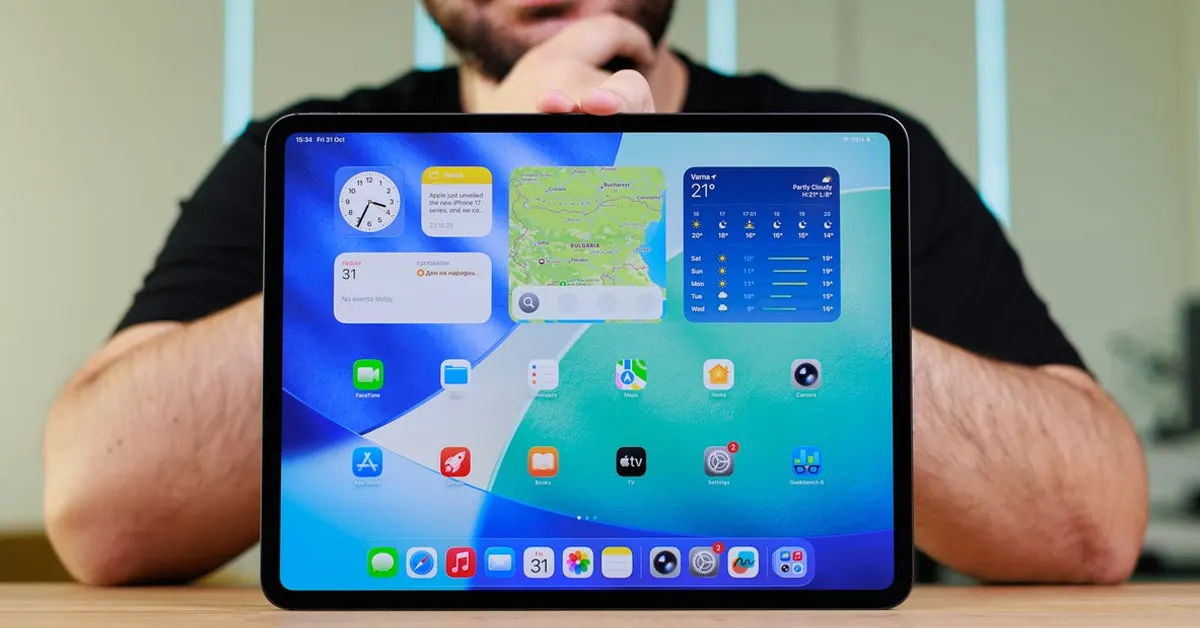
iPad Pro M5 13-inch 256GB Review
Key Features
- OLED Tandem Display: Most vibrant screen made by Apple.
- M5 Performance: No lag when working with hundreds of layers in Procreate.
- ProMotion: 120 Hz ensures the feel of drawing on paper.
Pros & Cons
- Pros: Wonderful screen, ultrathin design, works with Apple Pencil Pro.
- Cons: Too costly, fragile glass panel.
Who Should Buy: Illustrators, 3D modelers, and other professional artists who need big project support.
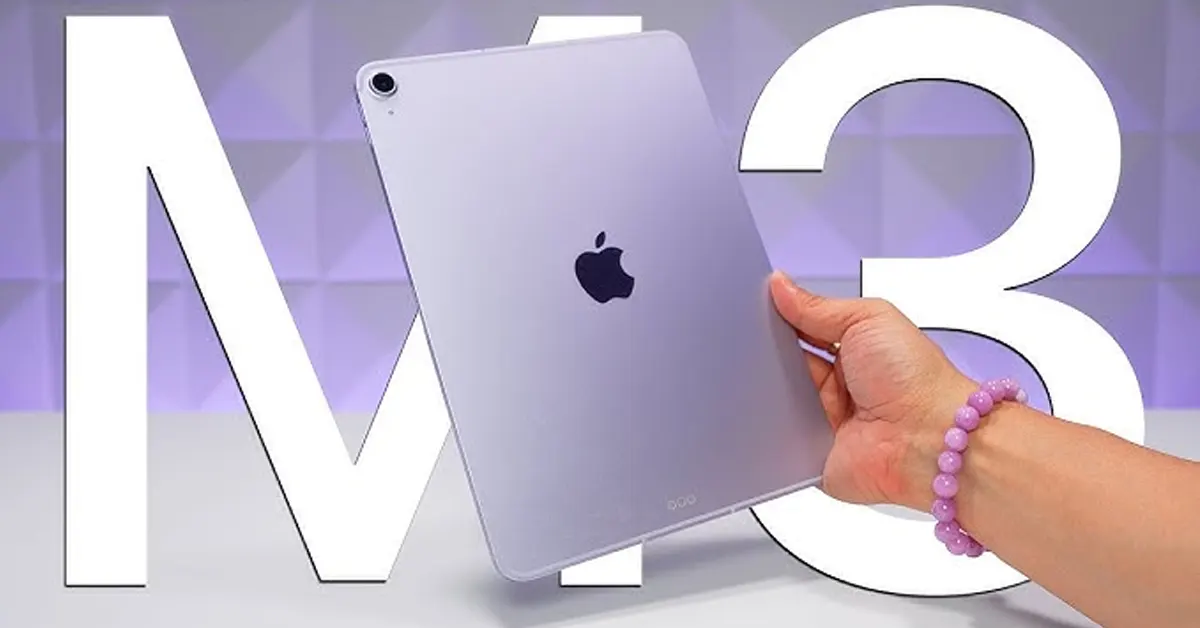
iPad Air M3 Review
Key Features
- M3 chip: Powerful performance at affordable price points.
- Laminated Display: Pen tip is perfectly aligned with the drawing.
- 11-inch or 13-inch variants: Get a larger display but with no “Pro” price.
Pros & Cons
- Advantages: Vibrant colors, lightweight device, advanced pencil support.
- Disadvantages: Does not have ProMotion (120Hz refresh rate), has just a regular 60Hz display.
Best Choice for Artists: Artists looking for powerful devices while saving some money.
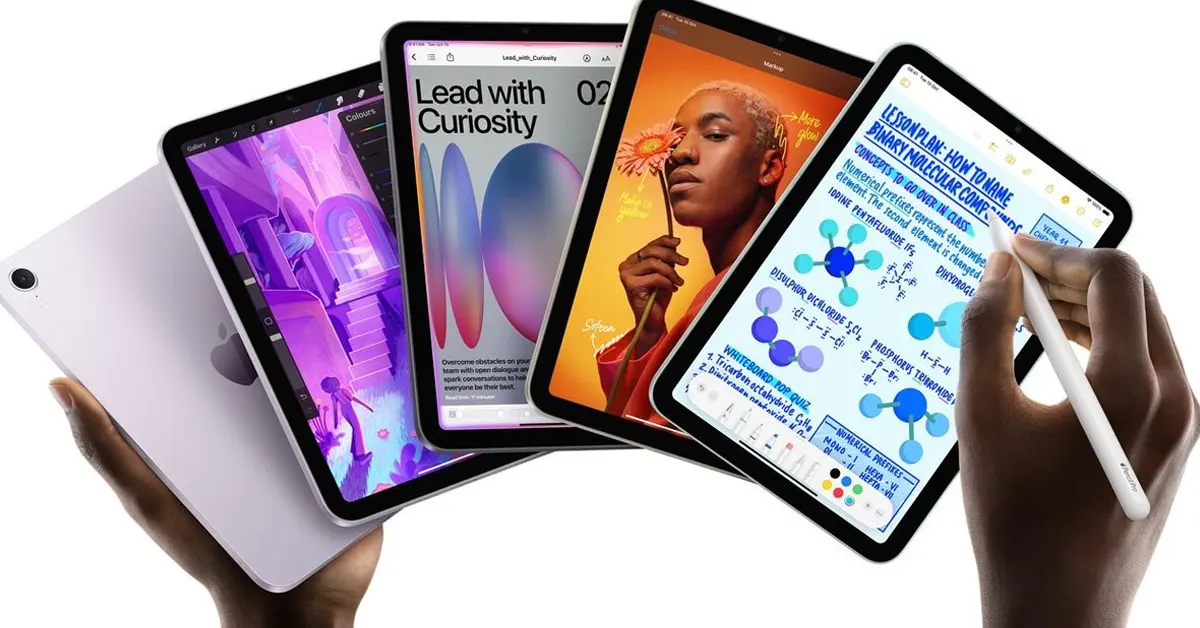
Apple iPad mini (2024) Review
Key Features
- Small Frame: 8.3-inch screen that can fit in one hand.
- A17 Pro Processor: Power efficient to support all modern graphic programs.
- Pro Pencil Compatibility: “Squeeze” and “Barrel Roll” capabilities available.
Pros & Cons
- Pros : Portable, convenient, can be kept in a small purse, ideal for sketching outdoors.
- Cons : Screen size is too small for professional graphic works.
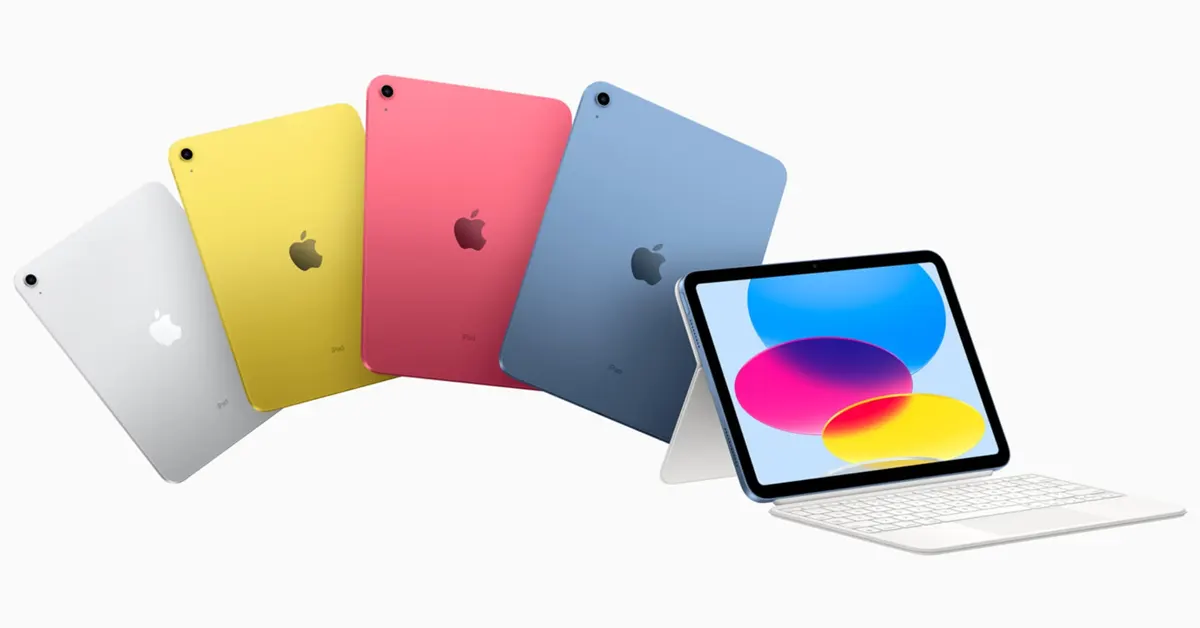
iPad 11th Gen (2025) Review
Key Features
- Newer A16 Processor: Much faster than its predecessor.
- All-Screen Display: No home button, has an advanced look.
- USB-C Interface: Convenient for transferring files or connecting cameras.
Pros & Cons
- Pros: Very affordable, good battery life.
- Cons: Non-laminated screen (slight air gap when drawing).
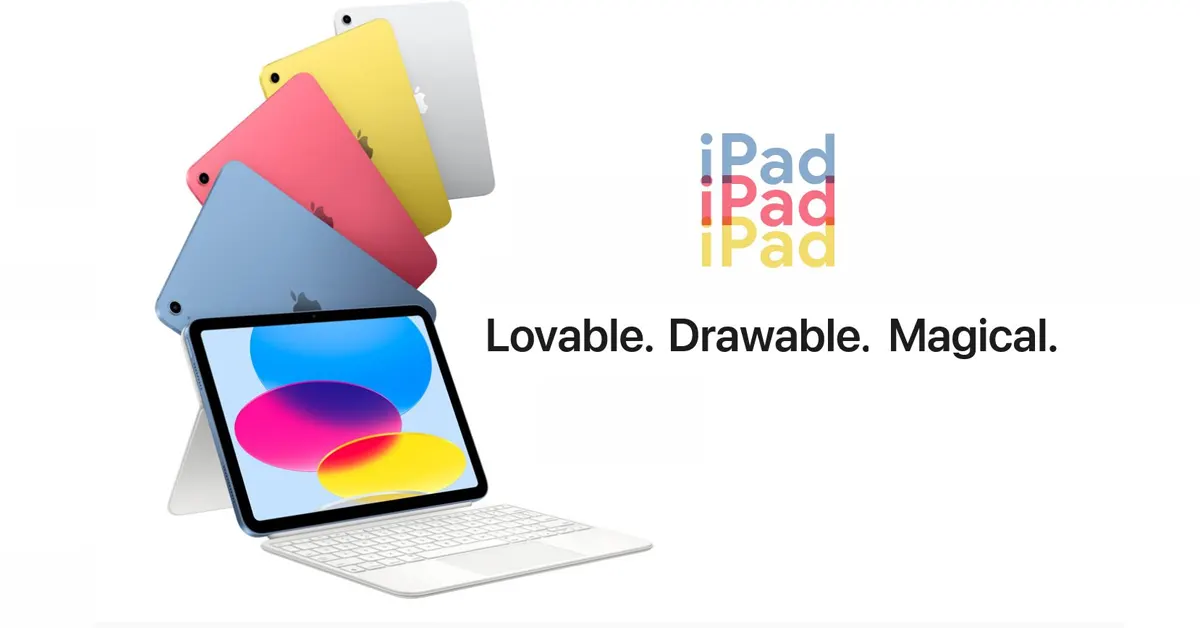
iPad 10.9 10th Gen (2022) Review
Key Features
- Value King: The lowest price point to enter the iPad ecosystem.
- Vibrant Colors: Available in blue, pink, yellow, and silver.
Pros & Cons
- Pros: Lowest cost, still runs Procreate well.
- Cons: Older processor, uses slower Apple Pencil versions.
Which iPad Should You Choose for Drawing in 2026?
Best iPad for Professional Artists
Go with the iPad Pro M5. OLED display is important to have accurate colors. With 12 GB of RAM even in the most basic version, your apps won’t freeze under any circumstances.
Best iPad for Students & Novices
iPad Air M3 is a great choice. It is powerful enough to last 4 years of college studies, and it works perfectly with all best drawing accessories.
Best Budget iPad for Drawing
Pick the iPad 11th Gen (2025). It doesn’t cost much, but it can give excellent results when used for digital drawing, especially when you have an extremely low budget.
Best iPad to Draw at All Times
The iPad mini (2024) is a great choice. It’s literally a digital notebook you can carry in your jacket.
Buying Guide – How to Choose the Best iPad for Drawing
Display Quality (OLED vs LCD)
The display on the Pro version will be OLED, allowing for perfect blacks and higher contrast. The display on the other two versions is still good, although the image won’t have such a deep effect in dark spots as OLED.
Performance (M-series vs A-series)
M-series chips (M3, M5) are better when it comes to multi-tasking. The A-series chips will work perfectly for drawing but may lag if there are lots of layers in the file.
Stylus Support (Apple Pencil Pro)
By 2026, the Apple Pencil Pro will be the best stylus available. It will feature haptic feedback and “squeeze” gestures. Remember that your chosen iPad should support it.
Storage & RAM for Artists
When buying an iPad, you should consider getting at least 256GB of internal memory. High-res images eat up a lot of memory, and so does the RAM.
FAQs – Best iPads for Drawing (2026)
Which iPad is best for Procreate in 2026?
The iPad Pro 13-inch M5 is the best. It allows for the highest number of layers and the smoothest brush strokes. However, the iPad Air M3 is also excellent and runs Procreate perfectly for most users.
Is iPad Air M3 good for drawing?
Yes, it is amazing. It has a fully laminated display and supports the Apple Pencil Pro. The only thing it lacks compared to the Pro model is the 120Hz ProMotion screen.
Do I need Apple Pencil Pro for digital art?
While not “required,” it is highly recommended. The “Squeeze” tool and “Barrel Roll” features save artists a lot of time. It makes the drawing process feel much more natural.
Which budget iPad is best for drawing?
The iPad 11th Gen (2025) is the best budget choice. In Bangladesh, it is often priced around ৳45,000 to ৳50,000, making it accessible for students.
iPad Pro vs iPad Air which is better for artists?
The iPad Pro is better because of the 120Hz screen and OLED colors. If you draw for a living, get the Pro. If drawing is a hobby, the iPad Air is the smarter purchase.
Final Verdict – Best iPad for Drawing in 2026
The iPad Pro M5 would be the ideal option for artists looking for the greatest OLED display and performance for professionals. However, if one wishes to save money while still getting an artist-quality tablet, then the iPad Air M3 would be the right choice. On the other hand, for a novice or someone without a lot of money to spend, then the 11th gen iPad is best.
Read More