No products in the cart.

Big Deal
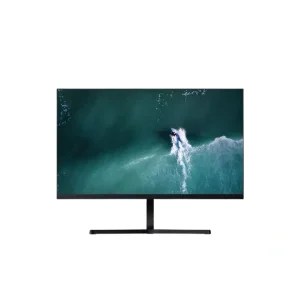
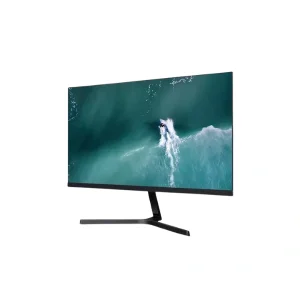
Original price was: 14,950৳ .12,999৳ Current price is: 12,999৳ .
This product has multiple variants. The options may be chosen on the product page Big Deal
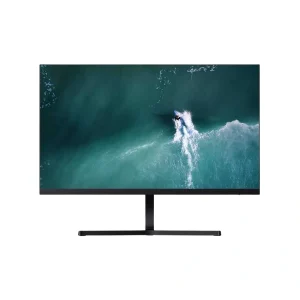
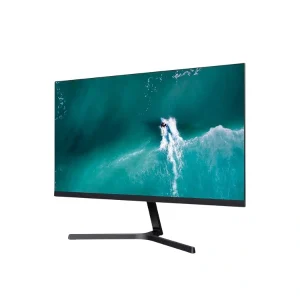
Original price was: 14,950৳ .12,999৳ Current price is: 12,999৳ .
This product has multiple variants. The options may be chosen on the product page 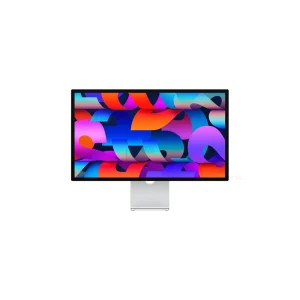
Big Deal

Original price was: 10,235৳ .8,900৳ Current price is: 8,900৳ .
This product has multiple variants. The options may be chosen on the product page 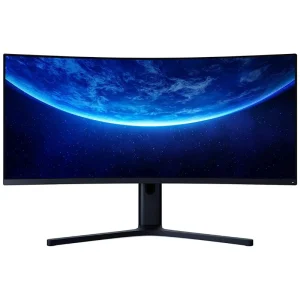
Big Deal
Original price was: 17,825৳ .15,500৳ Current price is: 15,500৳ .
This product has multiple variants. The options may be chosen on the product page 
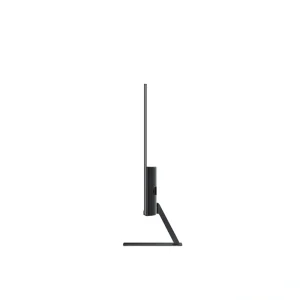
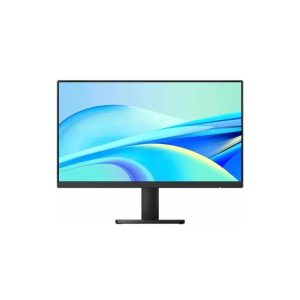
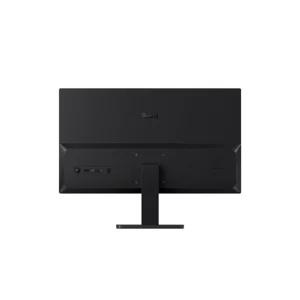
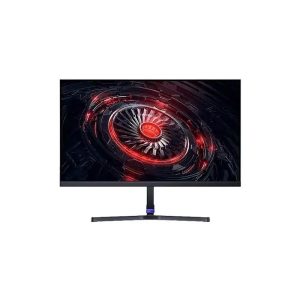
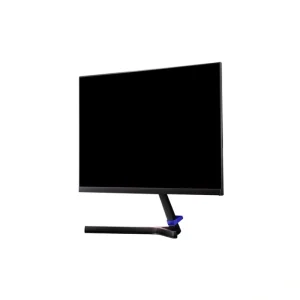
Monitor Price in Bangladesh | Get the Best Deal from Mobile Buzz BD
The biggest mistake people make when buying a monitor is focusing only on price and ignoring valuable features. No matter what you do for a living, an appropriate panel can enhance your productivity. With advanced display technologies, today’s monitors offer sharper images with vibrant colors.
In Bangladesh, monitor prices typically start from BDT 5,800 for a basic display and go up to BDT 430,000+ for high-end 4K and OLED models. The right choice depends on the intended use: whether you need a primary or a secondary. Also, consider the screen size, panel type, refresh rate, and other features for your daily tasks.
From office work and content creation to high-end gaming screens, there are monitors for every use case. At Mobile Buzz BD, you can explore the latest monitor prices in Bangladesh. You can also compare key specifications to find the ideal one that fits your needs and budget.
Latest Monitor Price in Bangladesh (2026 Updated List)
| Monitor Model | Price in Bangladesh |
| Xiaomi Monitor A22i | 8,900৳ |
| Xiaomi Redmi 1A | 12,999৳ |
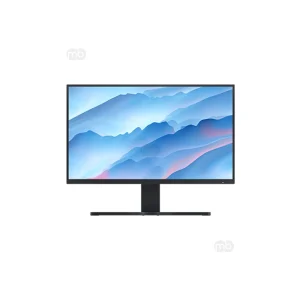
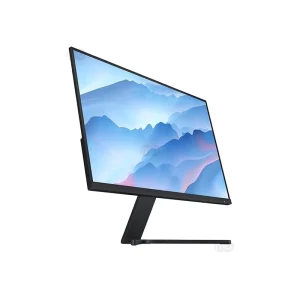
| Redmi Monitor 27″ 60Hz | 15,500৳ |
| Xiaomi A27i 100Hz | 16,500৳ |
| Apple Studio Display 27″ | 237,999৳ |
Most Popular Monitor Brands in Bangladesh
The monitor market in Bangladesh offers excellent choices for every type of user. Whether you are a student, an office professional, or a gamer, the popular brand has a model for you.
Here are some of the most prominent monitor brands in BD:
| Brand | Highlighted Features |
| ASUS Monitor | • Wide lineup for gamers, professionals, and office users • Popular series: ROG (Republic of Gamers), TUF Gaming, ProArt, Eye Care & Business • Advanced Tandem OLED and QD-OLED display technologies • High refresh rates and color-accurate displays for gaming and content creation |
| Xiaomi Monitor | • Refresh rates from 60Hz up to 100Hz on selected models • Low Blue Light and DC Dimming technology for reduced eye strain • 99% sRGB color gamut for accurate and vibrant colors • Ultra-slim 7.5mm bezel design for an immersive viewing experience |
| MSI Monitor | • High-performance monitors from a Taiwanese brand • Refresh rates up to 500Hz for competitive gaming • Advanced QD-OLED panels with excellent contrast and response time • Built for esports, streaming, and professional gaming |
| LG Monitor | • Popular for vibrant IPS and OLED panels • Available in Full HD, 4K, and 5K resolutions • Excellent multitasking with UltraWide monitor options • Starts around ৳15,000 and exceeds ৳30,000 for premium models |
| Samsung Monitor | • Suitable for office work, creative professionals, and high-refresh-rate gaming • Features IPS, VA, and Quantum Dot OLED (QD-OLED) panels • Available from Full HD up to 6K resolutions with HDR support • Premium Odyssey and Smart Monitor series for immersive experiences |
| Dell Monitor | • Durable, energy-efficient, and ergonomically built displays • TÜV-certified ComfortView Plus for reduced blue light • Adjustable height, tilt, swivel, and 90° pivot stand • Price range typically ৳10,000 to over ৳55,000 |
| HP Monitor | • High-quality IPS panels with wide viewing angles • Refresh rates up to 120Hz on selected models • Built-in HP Eye Ease technology for comfortable viewing |
| Lenovo Monitor | • Available in FHD, QHD, and 4K resolutions • Uses modern IPS, LED, and VA panel technologies • Integrated TÜV-certified Low Blue Light and Eyesafe technologies • Great choice for productivity, education, and business users |
| Acer Monitor | • Known for rapid refresh rates and vivid IPS displays • Refresh rates up to 300Hz for competitive gaming • Features Flicker-Free, BlueLightShield, and other eye-care technologies |
| ViewSonic Monitor | • Ultra-fast refresh rates up to 520Hz on flagship gaming models • Supports AMD FreeSync and NVIDIA G-SYNC Compatible technologies • Popular among esports players and creative professionals |
| AOC Monitor | • Gaming monitors with refresh rates from 144Hz up to 520Hz • Advanced Fast IPS and QD-OLED panel options |
Types of Monitor Panel Available in Bangladesh
The type of monitor panel is one of the most important factors when buying a monitor. This is because it directly affects color quality, viewing angles, contrast, and gaming performance. Surprisingly, monitors with the same resolution and screen size can offer very different viewing experiences. This is simply because they use different panel technologies.
Some available monitor panels in Bangladesh are:
IPS (In-Plane Switching)
IPS (In-Plane Switching) panels are the most popular choice for daily users. They offer outstanding color accuracy and wide viewing angles of up to 178°. This allows you to view the screen from almost any direction without noticeable color shifting or a washed-out image.
Pros:
- Excellent color accuracy
- Wide 178° viewing angles
- Consistent image quality
Cons:
- Lower contrast ratio
- Cannot produce true deep blacks
- May show a faint IPS glow
VA (Vertical Alignment)
VA (Vertical Alignment) panels use liquid crystals that rest perpendicular to the screen. This can produce much deeper blacks and higher contrast ratios than IPS panels. They are an excellent choice for watching movies and enjoying HDR (High Dynamic Range) content.
Pros:
- Outstanding contrast ratio
- Better dark-scene performance
- Good balance between image quality
Cons:
- Slower response times
- Can show ghosting
- Colors may shift
TN (Twisted Nematic)
TN (Twisted Nematic) panels remain a favorite among competitive gamers. These panels can deliver ultra-fast refresh rates, often reaching 240Hz or higher, along with response times of 1ms to 3ms. They work by using twisted liquid-crystal molecules that quickly untwist when a voltage is applied. This results in minimal motion blur and low input lag.
Pros:
- Extremely fast response times
- Supports very high refresh rates
- Excellent motion clarity
Cons:
- Weak color accuracy
- Narrow viewing angles
- Lower contrast ratio
OLED Monitor
OLED (Organic Light-Emitting Diode) monitors are among the most advanced display technologies available today. Their self-emissive technology creates infinite contrast ratios, true blacks, and exceptionally vibrant colors. OLED displays also offer near-instant response times and support high refresh rates from 144Hz up to 540Hz.
Pros:
- True blacks with infinite contrast ratio
- High refresh rates up to 540Hz
- Excellent HDR performance
Cons:
- Higher price than other monitors
- Risk of image burn-in
P-OLED Monitor
P-OLED (Polymer OLED) is a variation of OLED technology. It replaces the traditional glass substrate with a flexible polymer material. This makes the display ultra-thin, lightweight, and more shatter-resistant. Also, they retain OLED’s self-emissive pixels, true blacks, and rich color performance.
Pros:
- Ultra-thin and lightweight construction
- More durable and shatter-resistant
- Excellent color accuracy
Cons:
- Higher manufacturing cost
- Limited availability in desktop monitors
Mini-LED Monitor
Mini-LED monitors use thousands of microscopic LEDs behind the LCD panel for highly precise local dimming. These tiny LEDs can go from extremely bright to completely off. This produces inky blacks, outstanding contrast, and a much wider dynamic range for 4K HDR content.
Pros:
- Extremely high brightness
- Excellent HDR performance
- Longer lifespan than OLED
Cons:
- More expensive than standard
- Slightly thicker for the backlight
Types of Monitors Available Based on Use Case in Bangladesh
Not every monitor fits every user. Knowing the different types of monitors for your requirements helps you invest in the right one.
Gaming Monitor
Gaming monitors focus on speed, responsiveness, and smooth visuals. They typically feature high refresh rates ranging from 144Hz to 540Hz. They also come with 1ms GTG (Gray-to-Gray) or MPRT response times to reduce motion blur and ghosting.
Many models also support AMD FreeSync Premium, NVIDIA G-SYNC Compatible, and Variable Refresh Rate (VRR) technologies for tear-free gameplay. Fast IPS, VA, OLED, and QD-OLED panels provide vibrant visuals. These monitors are ideal for esports players and AAA gaming enthusiasts.
Office & Business Monitor
Office and business monitors focus on productivity and comfort during long working hours. Most models use IPS panels for consistent colors and wide viewing angles. Also, paired with Full HD or QHD resolutions for clear text and sharp spreadsheets.
Features like flicker-free technology, low blue light, TÜV Rheinland Eye Comfort certification, and ergonomic stands reduce eye strain. Many modern office monitors also feature USB-C connectivity and built-in USB hubs.
Professional Monitor
Professional monitors target photographers, graphic designers, video editors, architects, and other creative professionals. They offer 4K or 5K resolutions with factory-calibrated color. They also support wide color gamuts, including 100% sRGB, Adobe RGB, and DCI-P3.
Advanced specifications like 10-bit color depth, Delta E < 2, HDR600, and HDR1000 ensure highly accurate color reproduction. Many premium models also include hardware calibration, USB-C docking, and Thunderbolt connectivity for professional workflows.
Programming Monitor
Programming monitors improve coding efficiency by providing more screen space and better readability. Popular options include 24-inch, 27-inch, and 34-inch Ultrawide displays. An IPS panel delivers clear text and consistent colors.
Moreover, ergonomic features such as height adjustment, pivot mode, and VESA mount compatibility support comfortable coding sessions. Also, the monitors with USB-C docking make multitasking easier.
Entertainment Monitor
Entertainment monitors enhance your experience when enjoying media content. They often use VA, OLED, or Mini-LED panels to deliver higher contrast and vibrant colors. Support for HDR10, DisplayHDR, and high resolutions such as 4K UHD creates a more immersive viewing experience.
Many models also include built-in speakers and wide color coverage for better multimedia performance. A large, high-contrast screen makes movies, sports, and online content look more realistic and enjoyable.
Monitor Buying Guide: Features Checklist
A monitor is more than just a screen. The right combination of display technologies can improve productivity and viewing comfort for years. However, buyers only compare screen size and price. They completely overlook important specifications such as panel refresh rate and response time.
When selecting a monitor model, please consider the following:
- Connectivity Options: Always check the available ports before buying a monitor. HDMI is the most common option for everyday use. But DisplayPort offers higher bandwidth for higher refresh rates and resolutions.
- Screen Size & Resolution: The ideal screen size depends on your workspace and intended use. 24 to 27-inch monitors with 1080p (Full HD) resolution offer excellent value for everyday computing. For sharper visuals and additional screen space, 1440p (QHD) is a popular choice.
- Panel Refresh Rate: For office work, web browsing, and video watching, 60-75Hz is sufficient. Casual gamers will notice smoother gameplay with 120Hz to 144Hz displays. Moreover, competitive gamers should consider monitors with a 240Hz or higher refresh rate.
- Response Time: Lower response times reduce ghosting and motion blur, especially during gaming. For the best experience, 3ms or lower is recommended.
- Color Accuracy: Look for monitors with higher bit depth for producing smoother color transitions. Support for wide color gamuts such as 100% sRGB, Adobe RGB, or DCI-P3 also improves color reproduction.
- HDR Support: For noticeable HDR performance, choose monitors that offer true 10-bit color. Also choose one that covers at least 90% of the DCI-P3 color space and provides peak brightness of 1,000 nits or higher.
- Eye Care Technology: Look for flicker-free backlighting, low-blue-light filters, and adaptive ambient-light sensors to reduce eye strain. An ergonomic stand adjustment helps maintain a comfortable posture.
Popular Monitor Sizes in Bangladesh
Monitor size plays a major role in your overall viewing experience. Below are the most popular monitor sizes in Bangladesh:
22-inch Monitor:A 22-inch monitor is an affordable choice for basic computing and everyday productivity. Most models feature Full HD (1920×1080) resolution, delivering clear text and decent image quality. Best For:
| 24-inch Monitor:The 24-inch monitor is one of the most popular sizes in Bangladesh because it offers an excellent balance. It pairs perfectly with Full HD (1080p) resolution and suits almost every daily task. Best For:
|
27-inch Monitor:A 27-inch monitor provides significantly more screen space. These monitors work best with QHD (2560×1440) or 4K UHD resolution. Best For:
| 32-inch Monitor:The 32-inch monitor delivers an immersive viewing experience. It performs best with 4K UHD resolution for maximum image clarity and detail. Best For:
|
34-inch Ultrawide Monitor:A 34-inch ultrawide monitor features a 21:9 aspect ratio. This offers substantially more horizontal screen space than standard monitors. Best For:
| 49-inch Super Ultrawide:A 49-inch super ultrawide monitor uses an extra-wide 32:9 aspect ratio. This delivers the equivalent workspace of two 27-inch QHD monitors side by side. Best For:
|
Why Buy a Monitor from Mobile Buzz BD?
Choosing the right monitor is just as important as choosing the right store. At Mobile Buzz BD, you can find a wide range of genuine monitors from leading global brands. Whether you need an affordable office display, a high-refresh-rate gaming monitor, or a professional 4K display.
- 100% Genuine Products: Shop authentic monitors from trusted brands, guaranteed for quality and performance.
- Competitive Prices: Get the latest monitor prices in Bangladesh with attractive deals across every budget.
- Official Brand Warranty: Enjoy peace of mind with official manufacturer warranties on eligible products.
- Fast Nationwide Delivery: Receive your monitor quickly via reliable nationwide delivery services.
- Secure Payment Options: Pay conveniently using trusted online payment methods or cash on delivery (where available).
- Reliable After-Sales Support: Get assistance with warranty claims, product inquiries, and post-purchase support whenever you need it.
FAQs
Which type of monitor is best for gaming?
OLED monitors are best for competitive gaming due to their infinite contrast and vibrant colors.
What should be the minimum refresh rate for a good monitor?
For general office work or home entertaining, a 60Hz to 75Hz refresh rate is a good option.
Which screen technology is better for viewing angles?
OLED is the best screen technology for viewing from any angle. But the IPS panel is also a good option in the budget range.
What are the benefits of Borderless Monitor?
Borderless monitors are great for multi-monitor setups. By minimizing the physical frame, multiple monitors can create a panoramic viewing area.
Which monitor size is ideal for office work?
The 27-inch monitors are generally considered to be the sweet spot for office work.